
Best Ways to Implement Hot Desking in Modern Offices

A complete, step-by-step guide to planning, designing, and running a hot desk office that your team will love - and your business will benefit from.
What is hot desking?
What Is Hot Desking and What Are Its Advantages?
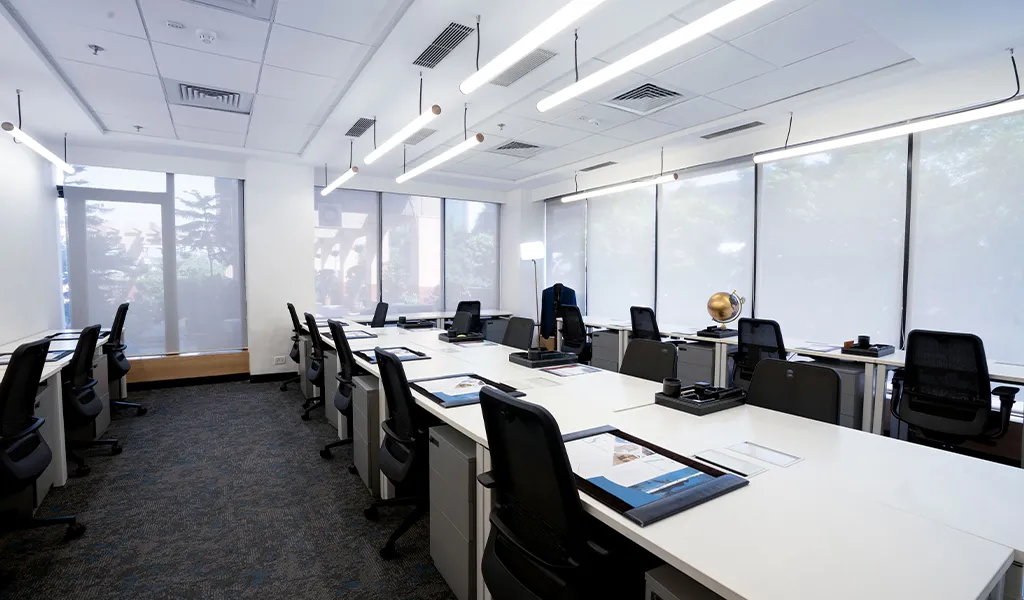
Hot desking has become one of the most discussed workplace strategies of the decade. Rather than assigning permanent desks to individual employees, a hot office allows workers to use any available workstation on a first-come, first-served basis - or through a booking system. This fundamentally changes how companies plan, allocate, and pay for their office space.
Whether you're leading a growing startup, managing a hybrid team post-pandemic, or looking to downsize your real estate footprint, learning how to implement hot desking correctly can yield enormous dividends.
1. Massive Cost Efficiency
Hot desking lets companies significantly reduce their real estate costs. Offices typically operate at 60–70% capacity on any given day. By moving to unassigned desks you can reduce your desk count - and your lease cost - by 20–40% without any reduction in effective capacity.
2. Radical Flexibility and Scalability
One of the most powerful aspects of how to hot desk successfully is the ability to scale up and down quickly. Growing teams can absorb new hires without leasing extra floor space, while companies downsizing during lean periods don't end up with rows of empty, fixed desks.
3. Improved Cross-Departmental Collaboration
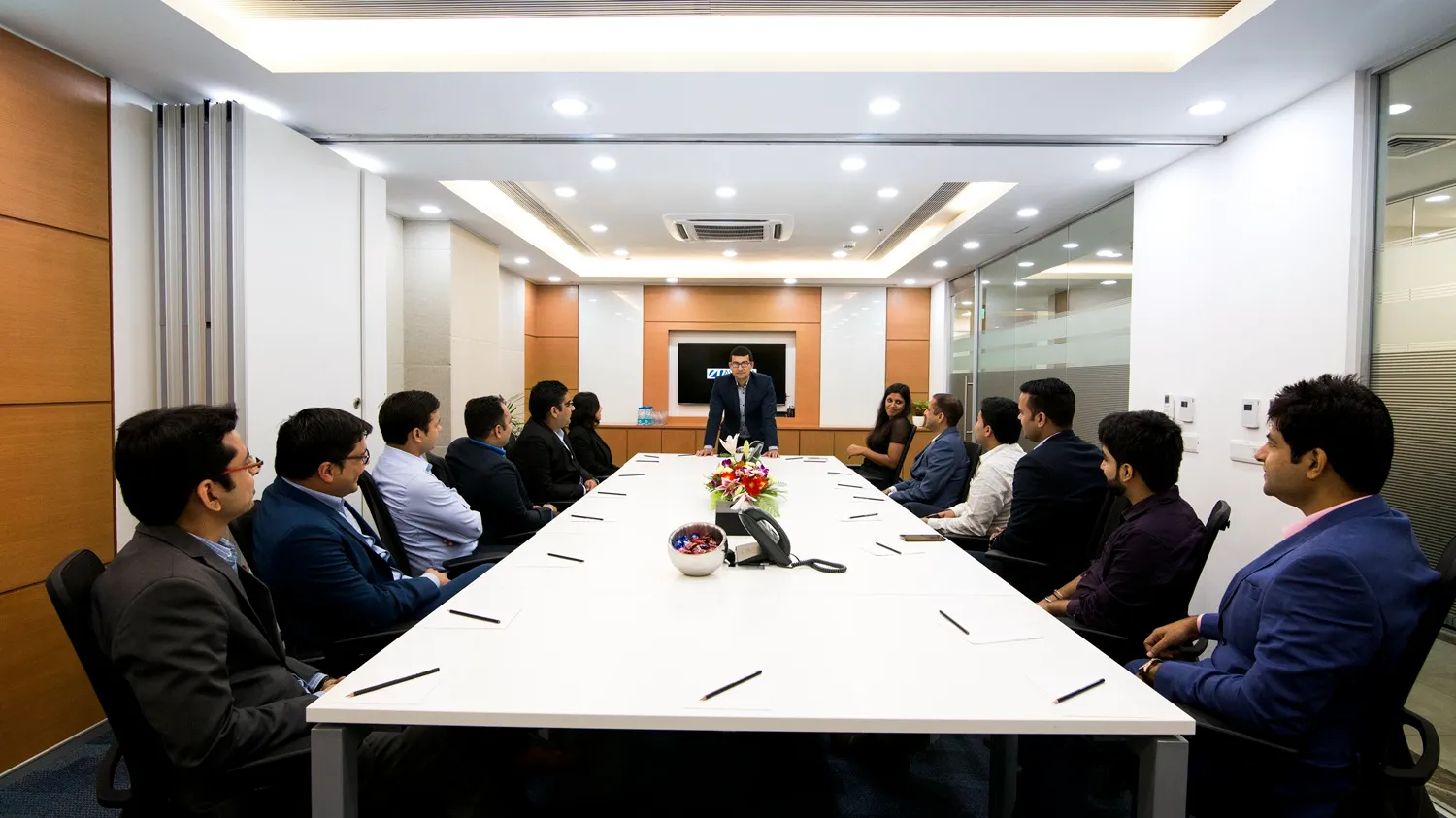
When people are no longer siloed into department-specific areas, organic collaboration flourishes. A marketing manager sitting next to a product developer one week might spark the next big campaign idea. Hot desk solutions for companies consistently cite this as one of the most celebrated benefits post-implementation.
4. A Clean Workspace for Everyone
Hot desking enforces a clean-desk policy by default. Without a personal "territory," employees clear their workspace at the end of each day. This leads to tidier offices, faster cleaning cycles, and a more professional environment for visiting clients.
5. Better Use of Space for Innovation
With desks no longer locked to individuals, freed-up floor space can be converted into innovation hubs, quiet focus rooms, or informal social areas - all of which improve both productivity and employee satisfaction.
| ✅ Advantages of Hot Desking | ⚠️ Challenges to Plan For |
|---|---|
| Reduces office real estate costs by 20–40% | Employee resistance to losing "their" desk |
| Supports hybrid and remote-first working | Requires robust booking software |
| Encourages cross-team collaboration | Storage must be redesigned (lockers) |
| Enforces a clean-desk policy automatically | Not suitable for all roles (e.g. surgeons, lab staff) |
| Scales effortlessly with headcount changes | Can feel impersonal without culture support |
| Creates room for innovation spaces |
Smart Planning: Location and Pricing Strategy
The success of any hot desk office begins well before the first employee sits down. Planning involves selecting the right location, auditing your current utilisation, and building a realistic business case for the change.
Selecting a Suitable Business Area
Location is critical when choosing a hot office. For businesses in India's tier-1 cities, proximity to metro stations, business districts, and client hubs dramatically affects how your team uses - and values - the hot desking arrangement. Delhi's Connaught Place, Nehru Place, and Aerocity corridors are prime examples of agile office-friendly zones.
Coworking vs In-House Hot Desking
There are two core models for how to implement hot desking: building it internally within your existing office, or using a managed coworking space provider like Avanta. Internal builds offer more control; managed providers offer speed, flexibility, and zero capital expenditure.
Smart Pricing and Allocation
If you're implementing internally, establish clear pricing or cost-allocation models per seat if your teams are cross-charging. This maintains accountability and helps justify continued investment in the hot desk programme.
Green Printing and Sustainability
A well-run hot office naturally reduces waste. Fewer fixed workstations means lower energy consumption from monitors, desk lamps, and PCs left on standby - a meaningful step toward your company's ESG targets.
Hot Desking vs. Traditional Office: Full Comparison
Understanding the differences helps you make the right decision for your organisation and communicate it clearly to stakeholders.
| Factor | Traditional Fixed Desks | Hot Desking / Agile Office |
|---|---|---|
| Real Estate Cost | High - 1 desk per employee | Low - 0.6–0.8 ratio possible |
| Desk Utilisation | 30–40% average | 70–90% with booking software |
| Flexibility for Growth | ✗ Requires lease expansion | ✓ Scales without extra space |
| Cross-Team Collaboration | Low - teams stay in zones | High - mixed seating daily |
| Employee Personalisation | ✓ Personal desk decor, items | Limited - lockers required |
| Hybrid Work Support | ✗ Wasted desks on WFH days | ✓ Designed for hybrid patterns |
| Technology Requirement | Basic | Moderate - booking system needed |
| Office Culture | Dept. silos can form | Open, fluid, collaborative culture |
| Setup Cost | High upfront capex | Low (especially managed spaces) |
| Suitable For | Roles needing permanent setup | Hybrid, mobile, creative teams |
Designing the Physical Layout for Success
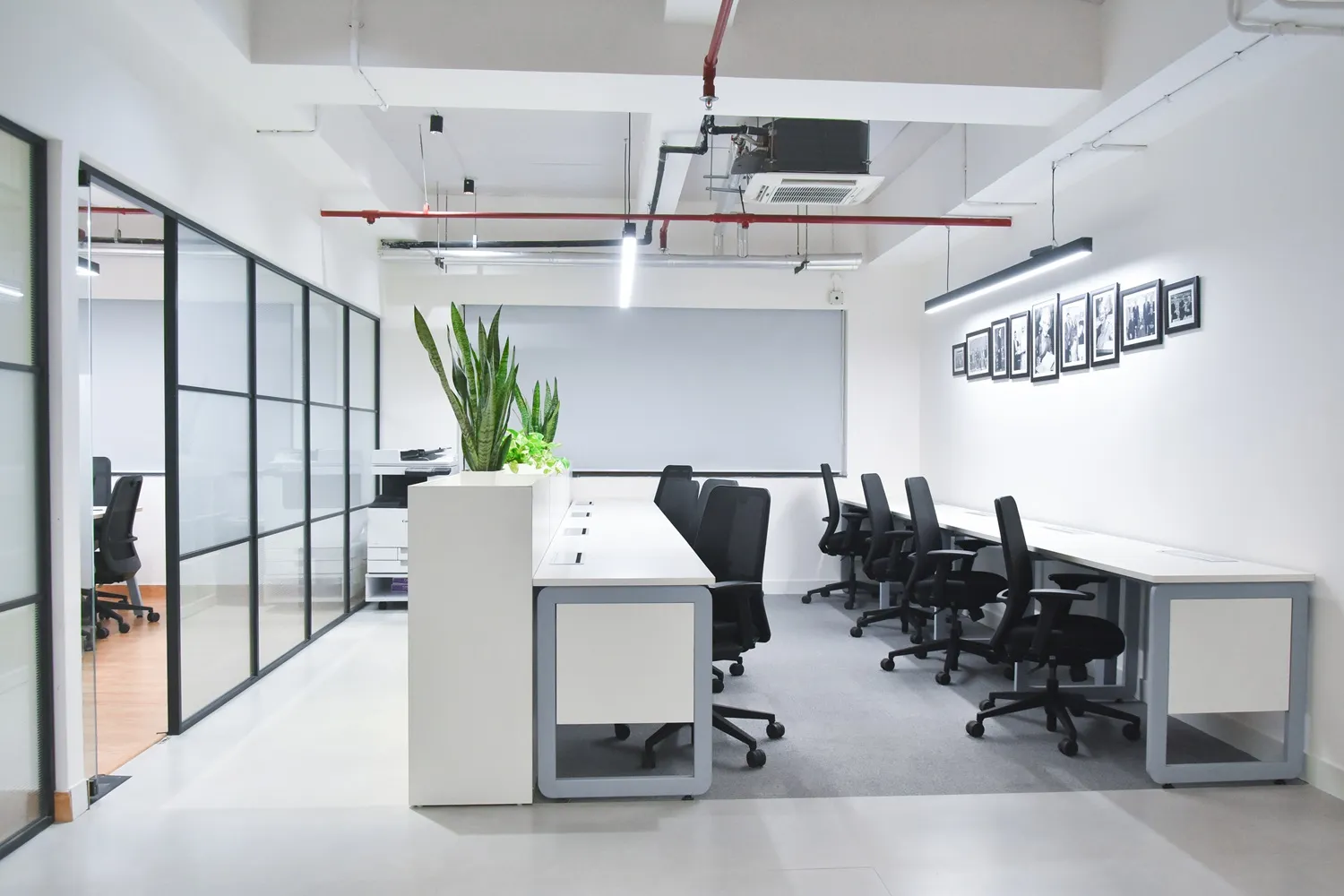
The physical environment of your hot office is not just aesthetic - it directly determines whether people embrace or resent the model. Successful hot desk layout design follows a few proven principles.
1. The "Neighbourhood" Concept
Rather than completely random seating, many companies implement loose "neighbourhoods" - designated areas where specific teams or functions tend to sit, without assigned desks. This preserves proximity and team identity while still enabling mobility. It's one of the most effective hot desking best practices in use today.
2. Variety of Workstations
Standing Desks address ergonomic needs and give employees choice. Collaboration Tables accommodate group work. Solo Booths or focus pods provide acoustic privacy. Lounge Seating creates informal meeting and recharge zones.
✅ Hot Desk Layout Checklist - Before You Launch
3. The Flag and Flip Office
A "flag and flip" zone contains ultra-hot desks for employees who only visit the office 1–2 days a week. These streamlined stations are stripped to essentials: laptop port, power, and fast networking. They maximise density without sacrificing experience for full-time in-office workers.
Technology That Supports Agile Office Operations
Implementing hot desking without the right technology is the fastest path to chaos. The right tech stack makes hot desk in office management seamless for everyone - from the employee booking a spot on Monday morning to the facilities manager optimising space usage over the quarter.
1. Desk Booking Software
Tools like Robin, Envoy, OfficeSpace, or Condeco allow employees to book desks via mobile app or web portal. They show real-time availability, integrate with Outlook/Google Calendar, and give management live utilisation dashboards. This is non-negotiable for medium and large implementations.
2. Visitor Management
A digital sign-in system complements hot desking beautifully. It creates professionalism at reception, captures compliance data, and enables contact tracing if needed. Tools like Proxyclick or Envoy Visitors integrate with your desk booking system.
3. Collaboration Software
When colleagues aren't always sitting next to each other, tools like Slack, Microsoft Teams, and Notion become the connective tissue of culture. Ensure all teams are trained and actively using communication platforms before hot desking goes live.
4. Digital Signage
Digital displays at zone entrances showing live desk availability reduce friction and help employees make quicker decisions about where to sit. They also signal a tech-forward, forward-thinking culture - which matters for recruitment and retentio
Overcoming the "Psychological Barriers"
The most technically perfect hot desk office will fail if employees aren't on board. Resistance to losing "their" desk is the most consistent challenge reported in hot desking rollouts globally - here's how to address it head-on.
1. The Storage Solution
Provide every employee with a personal, lockable locker. This single intervention addresses the biggest emotional objection: "Where do I put my things?" Well-designed locker banks near entrances or in neighbourhood zones make personal belongings portable and safe.
2. Gradual Rollout and Pilots
Don't flip the entire office overnight. Start with one team or one floor. Measure, listen, and adapt. A 90-day pilot with proper feedback loops builds the case for full rollout and builds employee trust simultaneously.
3. Acquire and Improve
Actively collect employee feedback throughout the process. Use pulse surveys, monthly check-ins, and anonymous suggestion channels. Companies that treat hot desking as a living programme - not a one-time initiative - see significantly higher long-term adoption.
Why Choose Avanta for Your Hot Desking Strategy?
If you're looking for hot desk solutions for companies in Delhi NCR, Avanta offers a range of fully managed, enterprise-grade flexible workspaces that make how to implement hot desking effortless.
FAQs
1. How do I successfully implement hot desking in my office?
2. What is the ideal hot desking ratio for a company?
3. How do I get my employees to accept hot desking?
4. What technology do I need for a hot desk office?
(1) a desk booking platform such as Robin, Envoy, or Condeco that integrates with your calendar system;
(2) reliable high-speed Wi-Fi across all zones;
(3) docking stations or monitor hubs at every workstation;
(4) a visitor management system. Larger implementations also benefit from digital signage showing live availability, and sensor-based occupancy tracking for space analytics.
Cloud-based communication tools (Teams, Slack) are essential for teams who rotate seats daily.
5. Is hot desking suitable for all types of businesses?
6. How does hot desking support the agile office of 2026?
Ready to Make Hot Desking Work for Your Team?
Book a free tour at an Avanta centre and experience the difference a professionally managed hot desk office makes.
About the Author